Keep it within reach.
A small plus floats above ordinary windows. Drag it somewhere comfortable. It doesn't take a menu-bar slot.
 MindNotes
EARLY BETA · 0.2.0A small tool by Levi
An idea shouldn't cost you your focus. Click the floating plus, write it down, and return to what you were doing.
Free beta · Apple Silicon · macOS 15 or later
English and 简体中文. Light, dark, or follow your system.
LESS CEREMONY. MORE CAPTURE.
A small plus floats above ordinary windows. Drag it somewhere comfortable. It doesn't take a menu-bar slot.
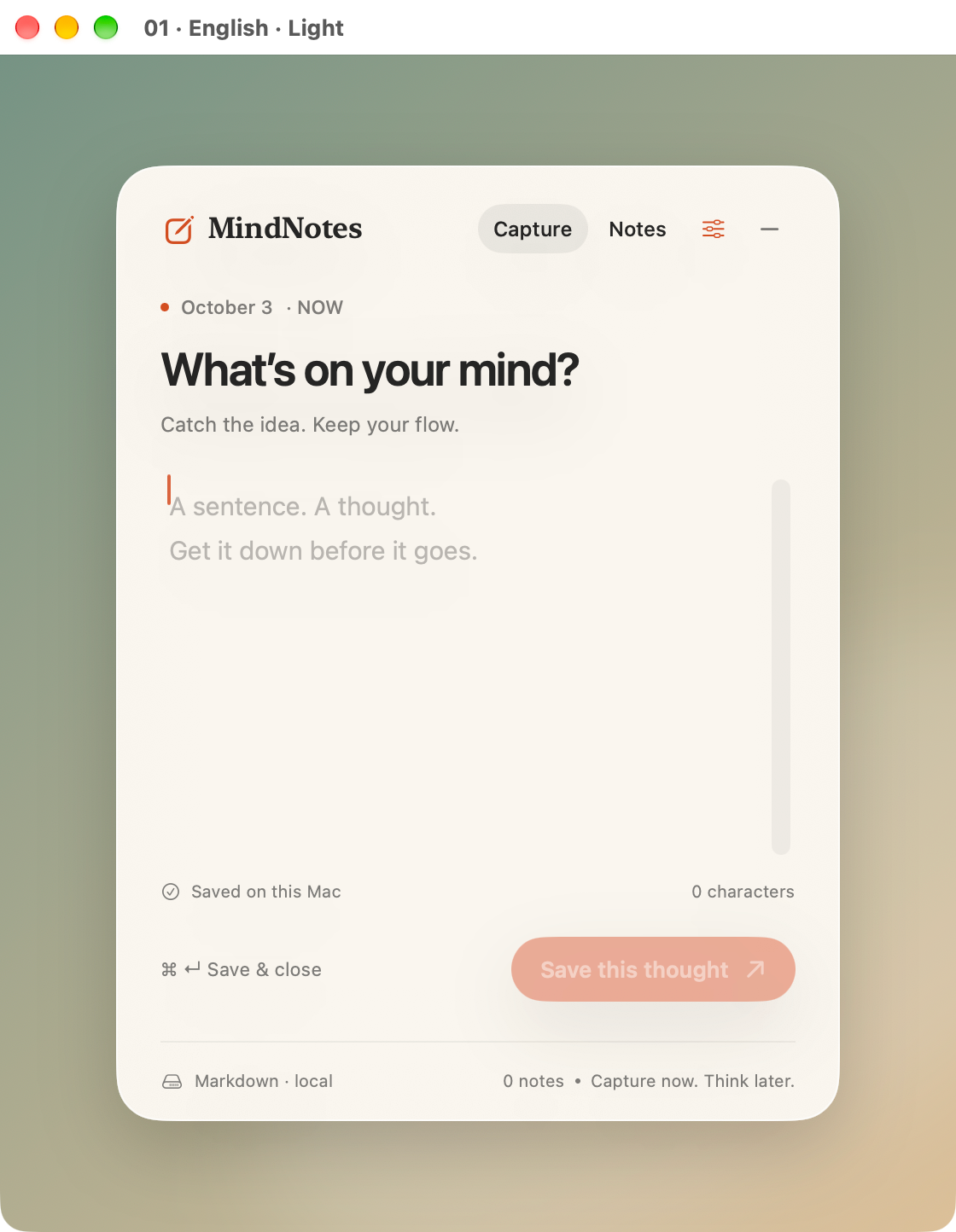
Click and type. Your draft saves locally as you pause, so unfinished thoughts have somewhere to wait.
Press ⌘ Return to save and tuck it away. Search and edit earlier notes when you have time to think.
NATIVE MAC. SMALL BY DESIGN.
A translucent panel, a place to write, and your earlier notes. These are screenshots from the working beta, not a design mockup.
⌘ Return saves · Esc tucks away · Right-click the plus to quit
AN HONEST FIRST VERSION
This is a free early demo, shared to learn what actually helps. I'm not trying to turn it into every note-taking app at once.
HELP DECIDE WHAT THIS BECOMES
Try it during a real day. Tell me where it got in the way, what felt useful, and the one thing you'd change first. Specific stories matter more than votes.
The short form needs no email. GitHub discussions are public. Please leave private notes out of reports.
The current 0.2.0 beta is for Apple Silicon Macs (M-series), running macOS 15 or later. Choose English or Simplified Chinese in the sliders menu. There is no Intel build in this release.
Open the DMG, drag MindNotes to Applications, then open it. Look for the floating plus near the upper-right corner of your screen. Right-click the plus and choose Quit MindNotes to quit.
Notes and drafts are ordinary Markdown files in the local app container. The sliders menu can reveal them in Finder. Quit the app before editing those files elsewhere. There is no sync or private encryption, and the app includes no analytics or network requests.
No. It is an early beta for learning. There is no committed feature schedule or promise that beta pricing will apply to a future product. Feedback will guide the next iteration.
Developer ID signed · Apple notarized · v0.2.0
Verify download checksum